How to send a wedding e-invite on WhatsApp
Updated 2026-10-09
Most families in India now send wedding invitations on WhatsApp first and hand over printed cards only to close family, if at all. Here is how to send yours so it looks sharp and reaches everyone.
1. Use the right size
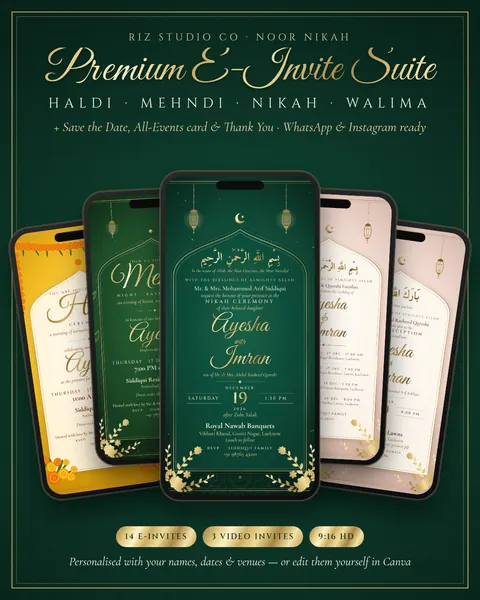
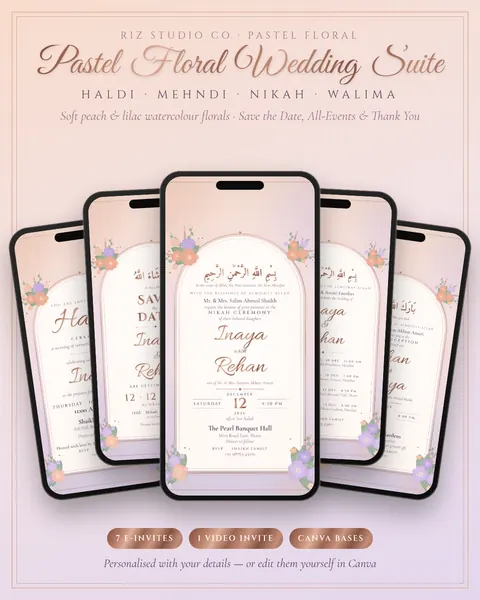
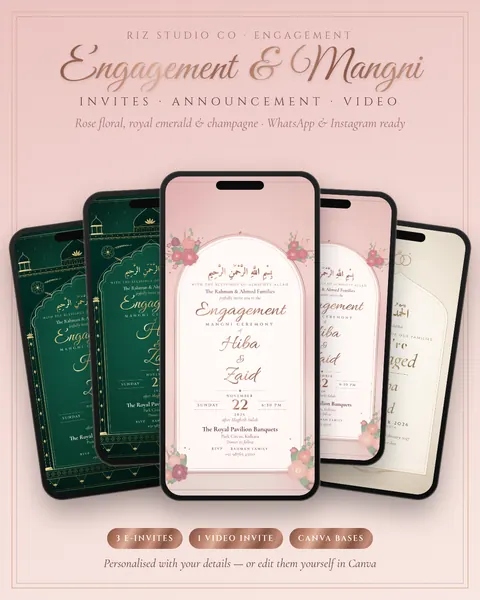
A tall 1080 × 1920 image (9:16) fills a phone screen and also works as a WhatsApp Status. Square or landscape cards appear small in chats. All our e-invites use 1080 × 1920.
2. Keep the quality high
WhatsApp compresses photos. To avoid blurry text, open the chat, tap the attach icon, choose the image and tap HD at the top before sending. If you want no compression at all, send it as a Document instead (attach → Document), though guests then see a file rather than a picture preview, so for most people HD is the better choice.
3. Send to many people without a group
Create a Broadcast list (⋮ menu → New broadcast) and add up to 256 contacts. Each guest gets the invite as a private message, and replies come back to you individually. Only people who have saved your number receive broadcast messages, so call or message close relatives directly.
4. Write a short, personal message with it
Assalamu alaikum Khala! With the blessings of Allah, we would love you to join us for Ayesha & Imran's Nikah on Sat 19 Dec. The invite is above, and the location is below. Please keep us in your duas 🤍
Using the person's name makes it feel personal, even when you are sending a broadcast.
5. Add the location pin
Right after the invite, send the venue as a location (attach → Location → search the venue) or paste a Google Maps link. Keep the card itself clean, with just the venue name and area.
6. Send video invites the same way
An animated video invite (MP4) can be sent as a normal video. Keep it under about 30 seconds and 16 MB so it sends quickly. You can add a nasheed or soft music in Instagram, InShot or CapCut before sending.
7. Post it on your Status
A 9:16 invite fits Status perfectly. Post it about a week before the event and again a day before, as a gentle reminder.
When to send
- Save the Date: 6 to 8 weeks before.
- Main invitation: 3 to 4 weeks before.
- Reminder: 1 to 2 days before, with the location pin again.
Ready to make yours? Pick a design and edit it on your phone, or let us do it with the Personalised set.